Prepare your first tracks
You will: start from an empty library, drop in a handful of tracks, watch them being prepared and find them analysed in Tracks.
Time: five minutes.
1. Start from an empty library
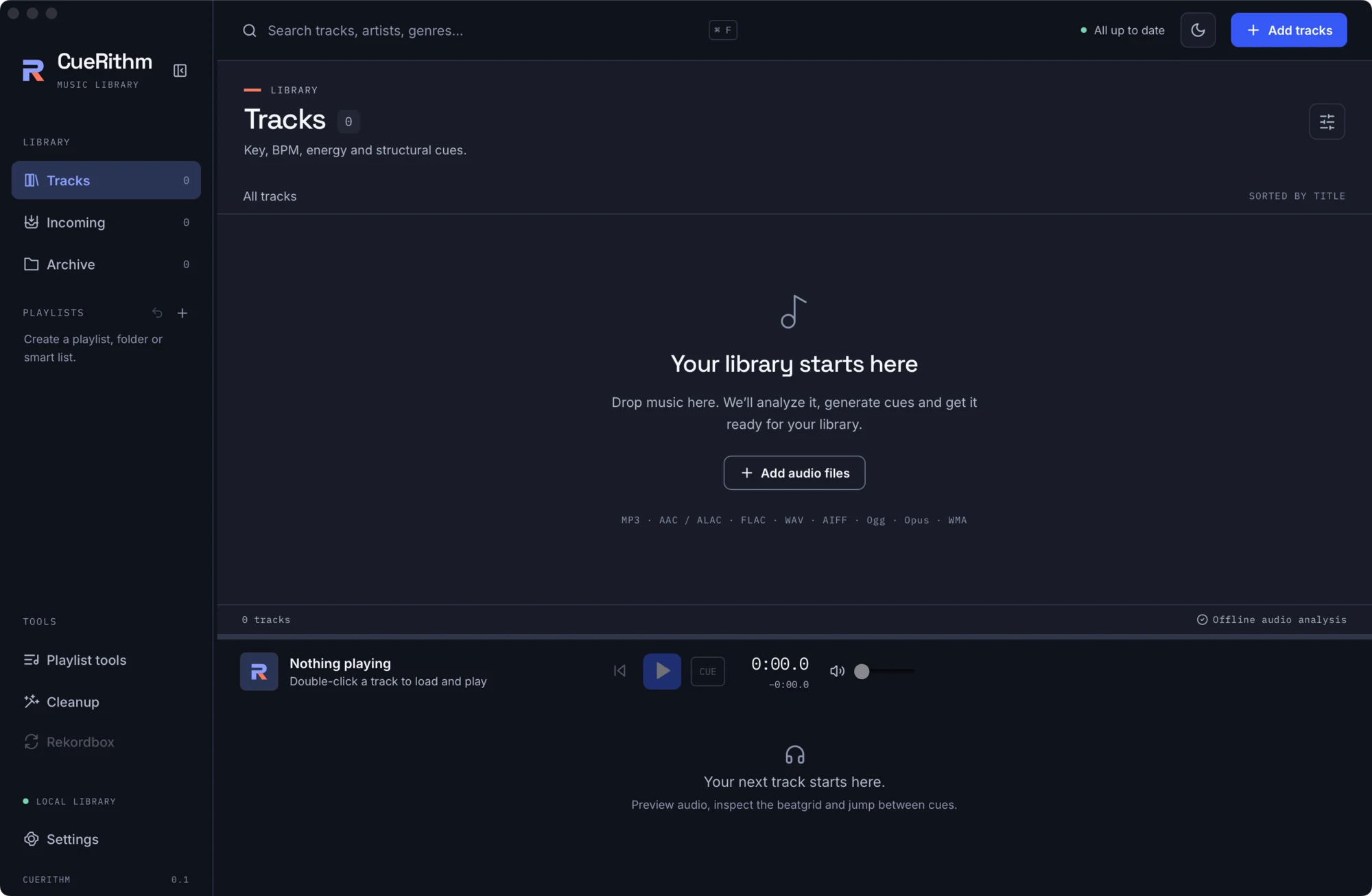
A new library says Your library starts here. It also lists the formats CueRithm accepts.
2. Add tracks
Pick any of these:
- Click Add tracks in the header.
- Click Add audio files in the middle of the screen.
- Drag files or a folder onto the window.
- Copy files into the watched folder
Music/Cuerithm/Incoming.
Your files are not moved or copied. CueRithm remembers where they are.
3. Watch Incoming
CueRithm switches to Incoming. Each row shows the stage it is in: Queued, Decoding, Analyzing.
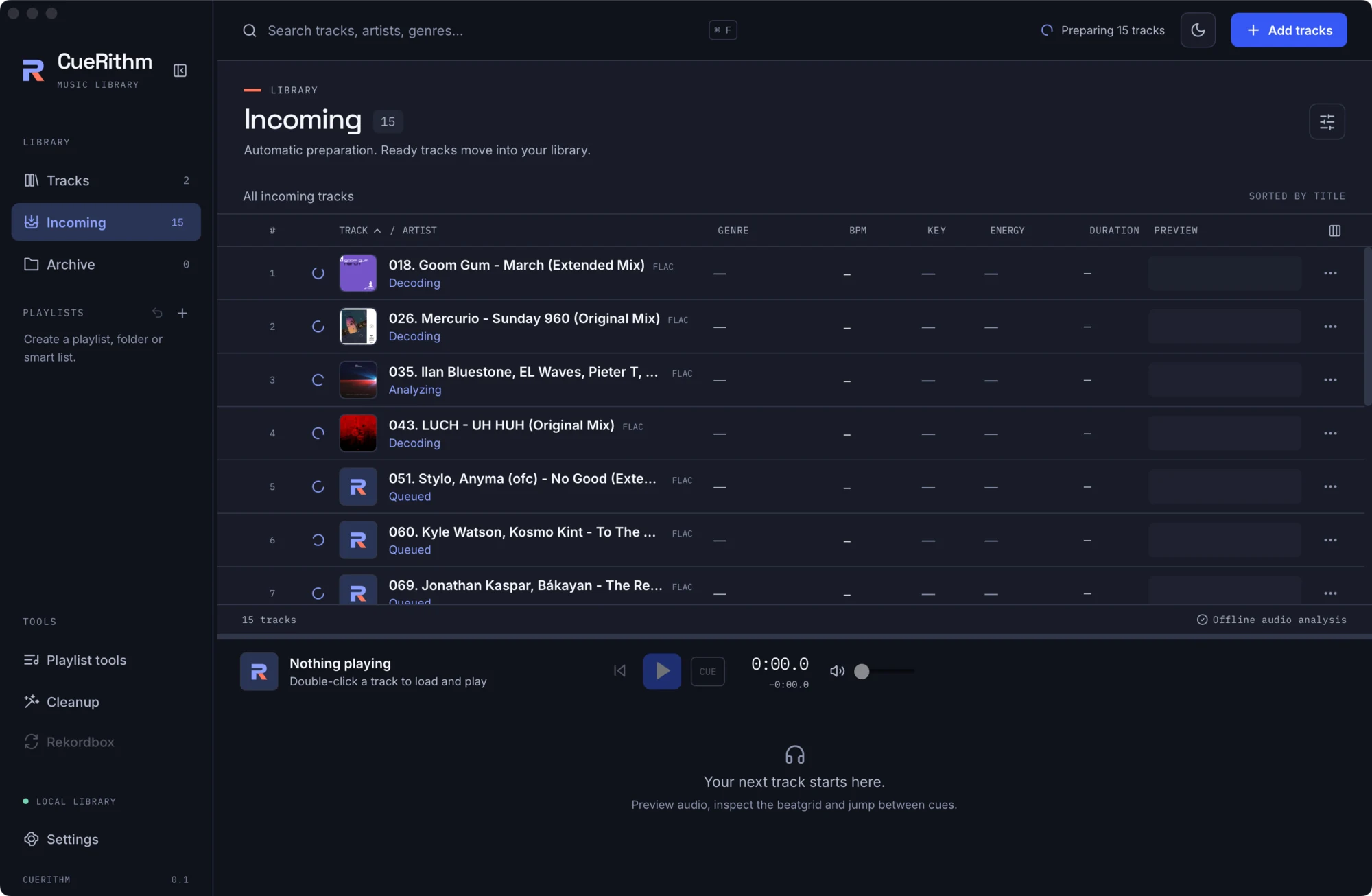
Several tracks are prepared at the same time. CueRithm uses about three quarters of your processor cores, so it stays out of the way of your other work.
4. Find them in Tracks
When a track finishes it leaves Incoming and the Tracks count grows. Open Tracks.
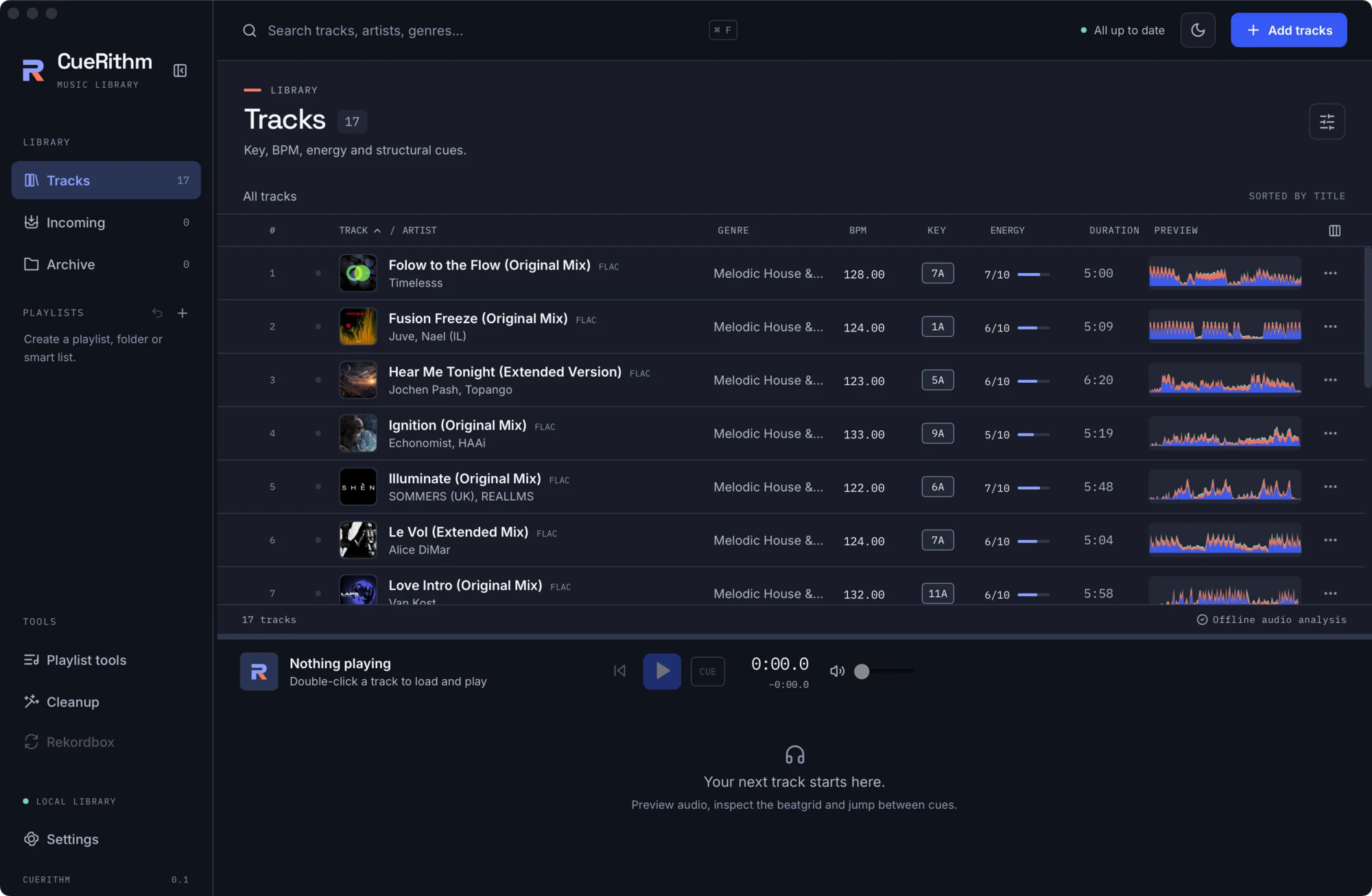
Every prepared track has all of these, or it would still be in Incoming:
- a key (shown as a chip such as
7A), - a BPM and a beatgrid,
- an energy from 1 to 10,
- at least one cue.
Why a track can stay in Incoming
CueRithm never invents results to mark a track ready. If decoding fails, if the file is not music it can analyse, or if a required stage fails, the track stays in Incoming with the stage and error shown. Fix the cause and press the retry icon on the row, or save Settings to re-queue everything that needs attention.
What just happened
- CueRithm waited until each file stopped changing, then hashed it.
- The bundled decoder turned it into a private 44.1 kHz stereo float copy, so every format shares one timeline.
- Key, tempo and beatgrid, energy and cues were computed from those samples.
- In one database transaction, the results were saved, a new cue revision was recorded and the track became ready.
Your audio file was not changed. Read the full story in The analysis pipeline.