Choose a theme and waveform style
You will: switch between light and dark and pick a waveform palette.
Theme
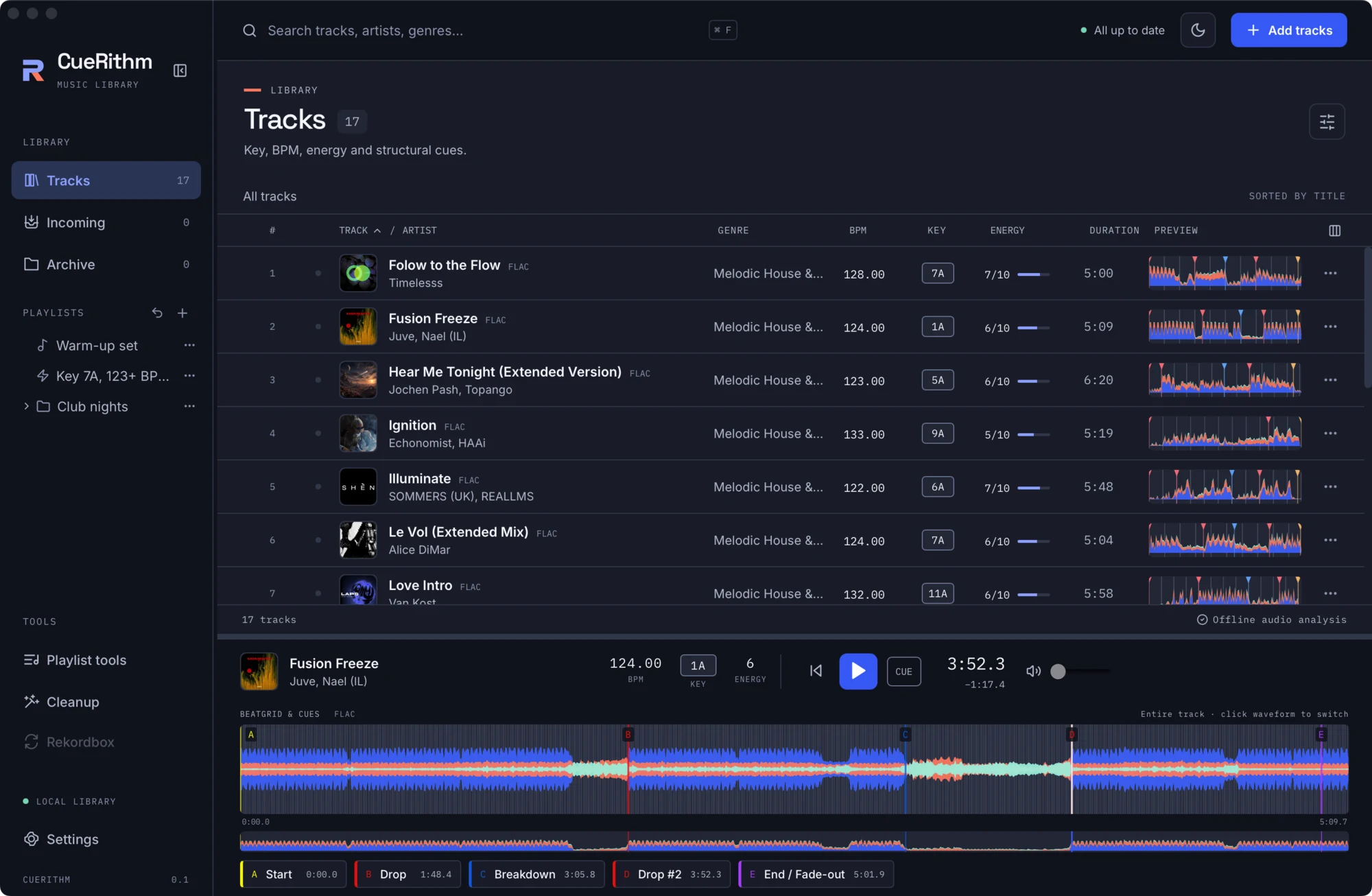
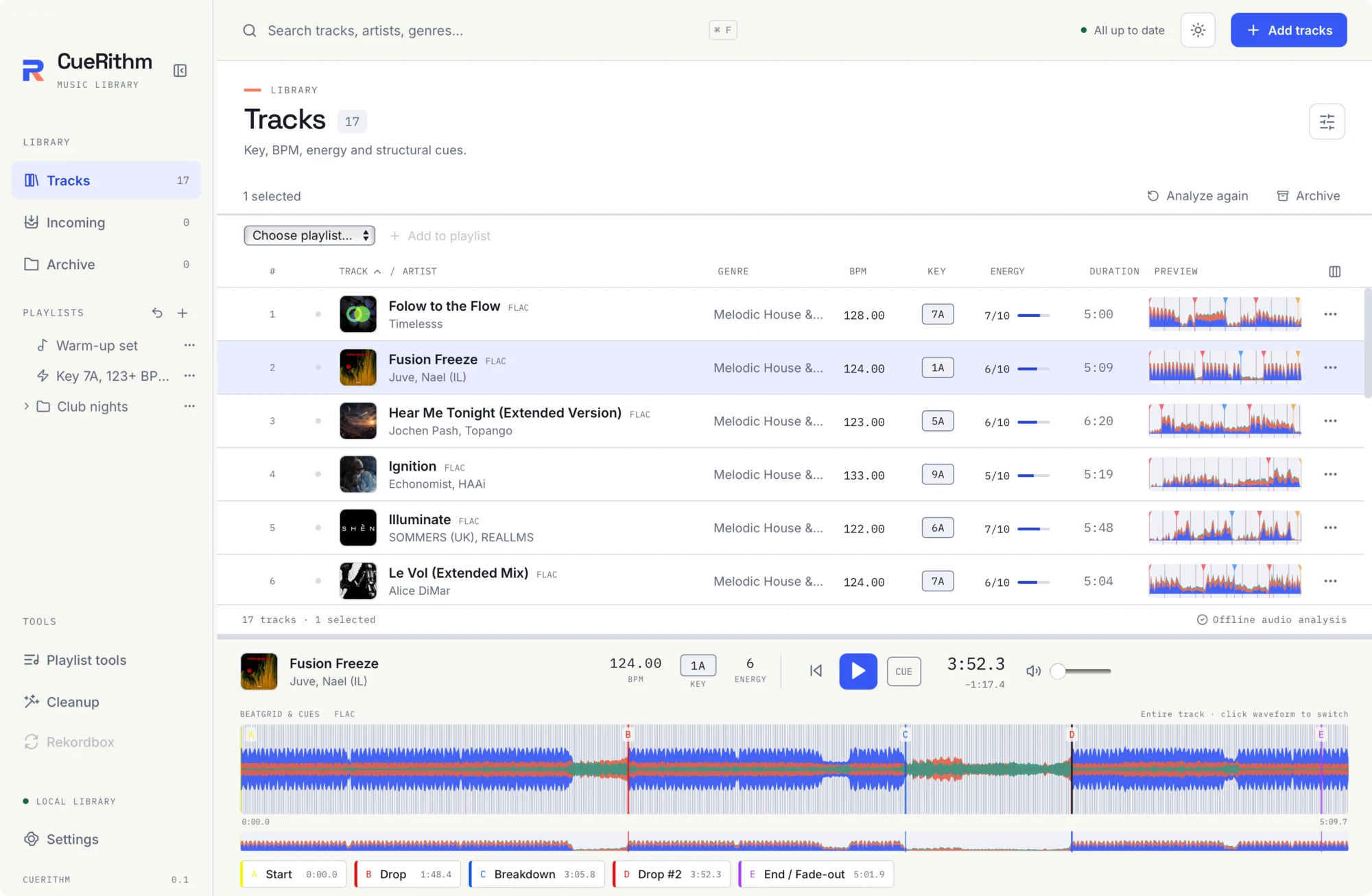
The Colour theme button in the header cycles System, Light and Dark. System follows your operating system. The choice is remembered on this computer.
Waveform style
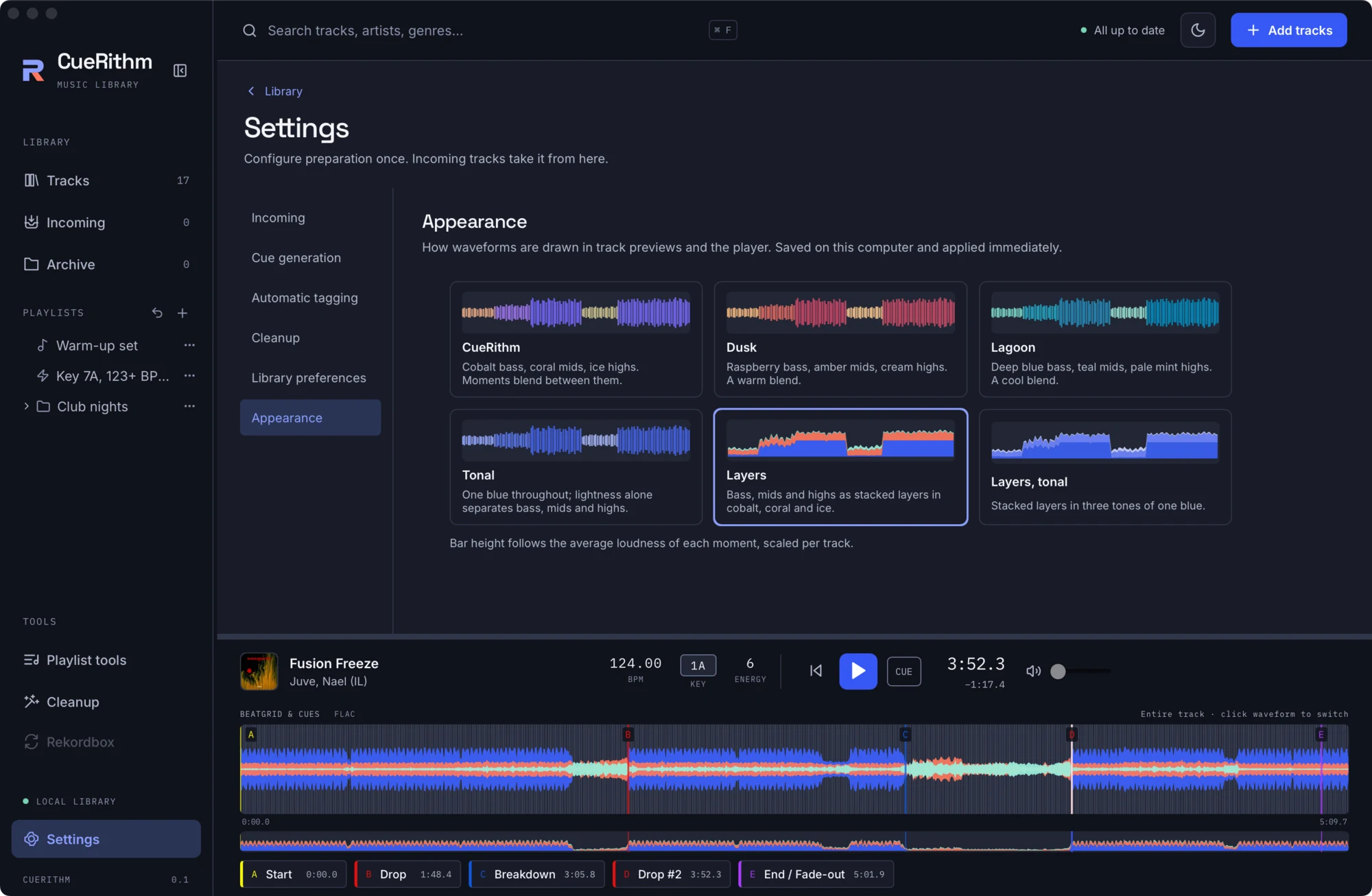
Open Settings > Appearance. Six styles are offered, each previewed on a sample waveform. The change applies immediately and is saved on this computer.
| Style | Look |
|---|---|
| CueRithm | Cobalt bass, coral mids, ice highs. Moments blend between them. |
| Dusk | Raspberry bass, amber mids, cream highs. A warm blend. |
| Lagoon | Deep blue bass, teal mids, pale mint highs. A cool blend. |
| Tonal | One blue throughout. Lightness alone separates bass, mids and highs. |
| Layers | Bass, mids and highs as stacked layers in cobalt, coral and ice. |
| Layers, tonal | Stacked layers in three tones of one blue. |
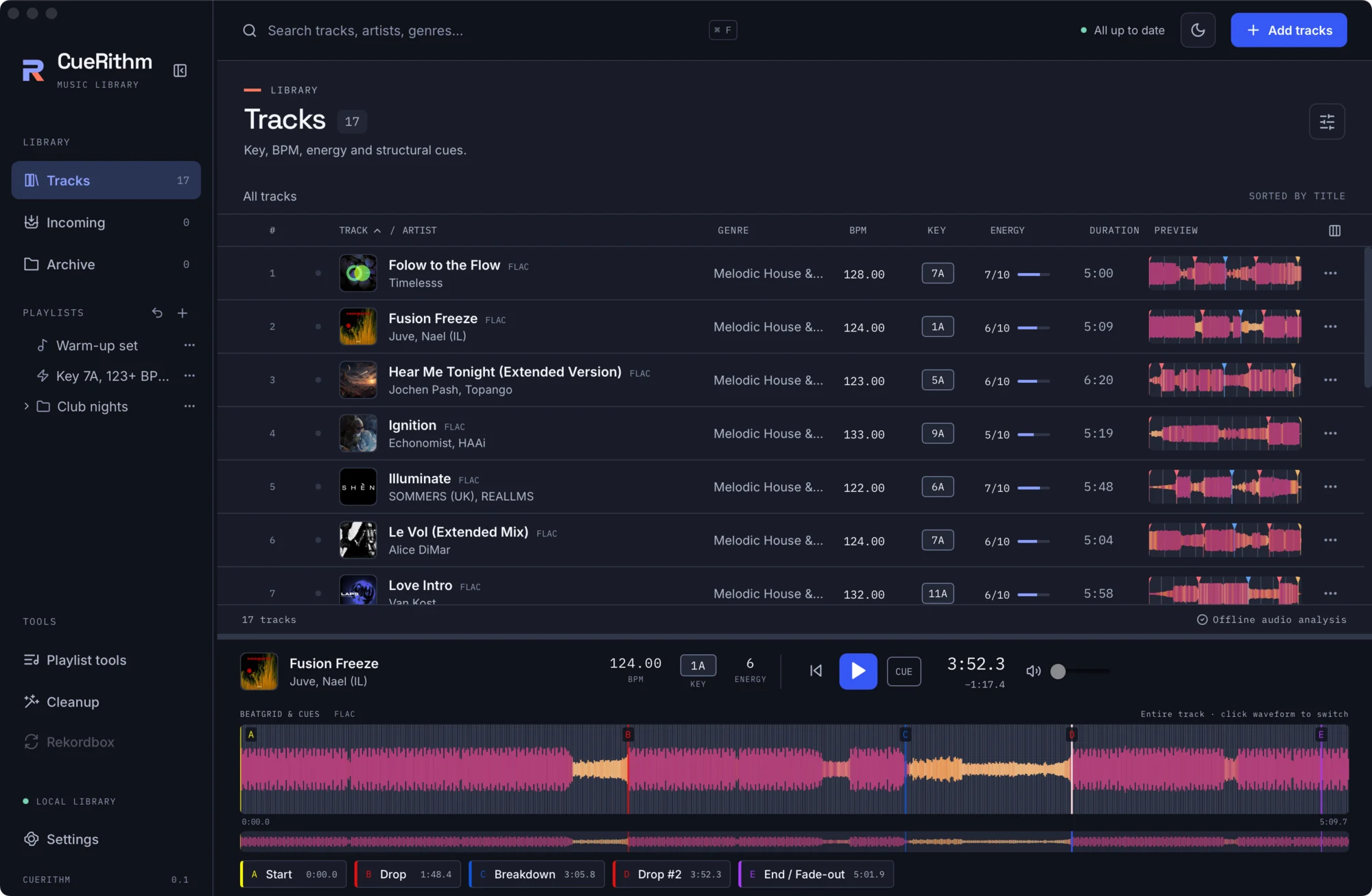
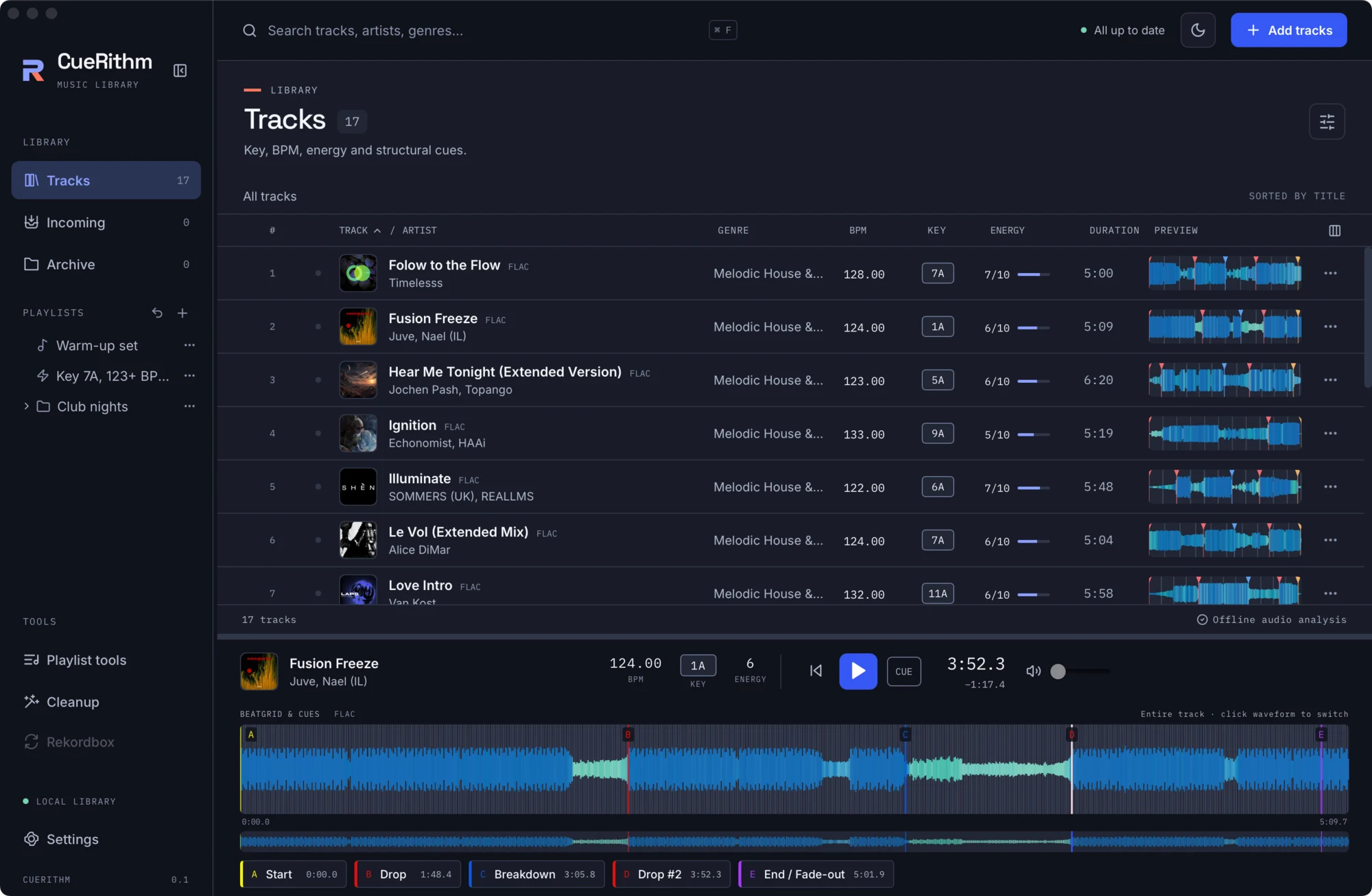
Bar height always follows the average loudness of each moment, scaled per track. The tonal styles never rely on hue to separate frequency bands, which helps if colour is hard for you to tell apart.
What just happened
The waveform is computed once per track from the decoded audio, as three frequency bands, and cached. The style only changes how those bands are coloured. Nothing is recomputed when you switch. See Waveforms.