Settings reference
Open Settings at the bottom of the sidebar, or the sliders button at the top right of the library. Settings are saved into the library. Save settings appears at the top (it reads Saving… then Settings saved); Library preferences and Smart Playlists have their own save buttons. Appearance saves immediately.
Incoming
| Control | Default | Meaning |
|---|---|---|
| Add watch folder | Music/Cuerithm/Incoming on a new library |
Files that appear in these folders are prepared automatically. Remove one with the × beside it. |
The note on the page: Completed tracks move into Tracks automatically. Original audio files stay in place. The file-stability wait (2 seconds) is not adjustable in the interface.
Cue generation
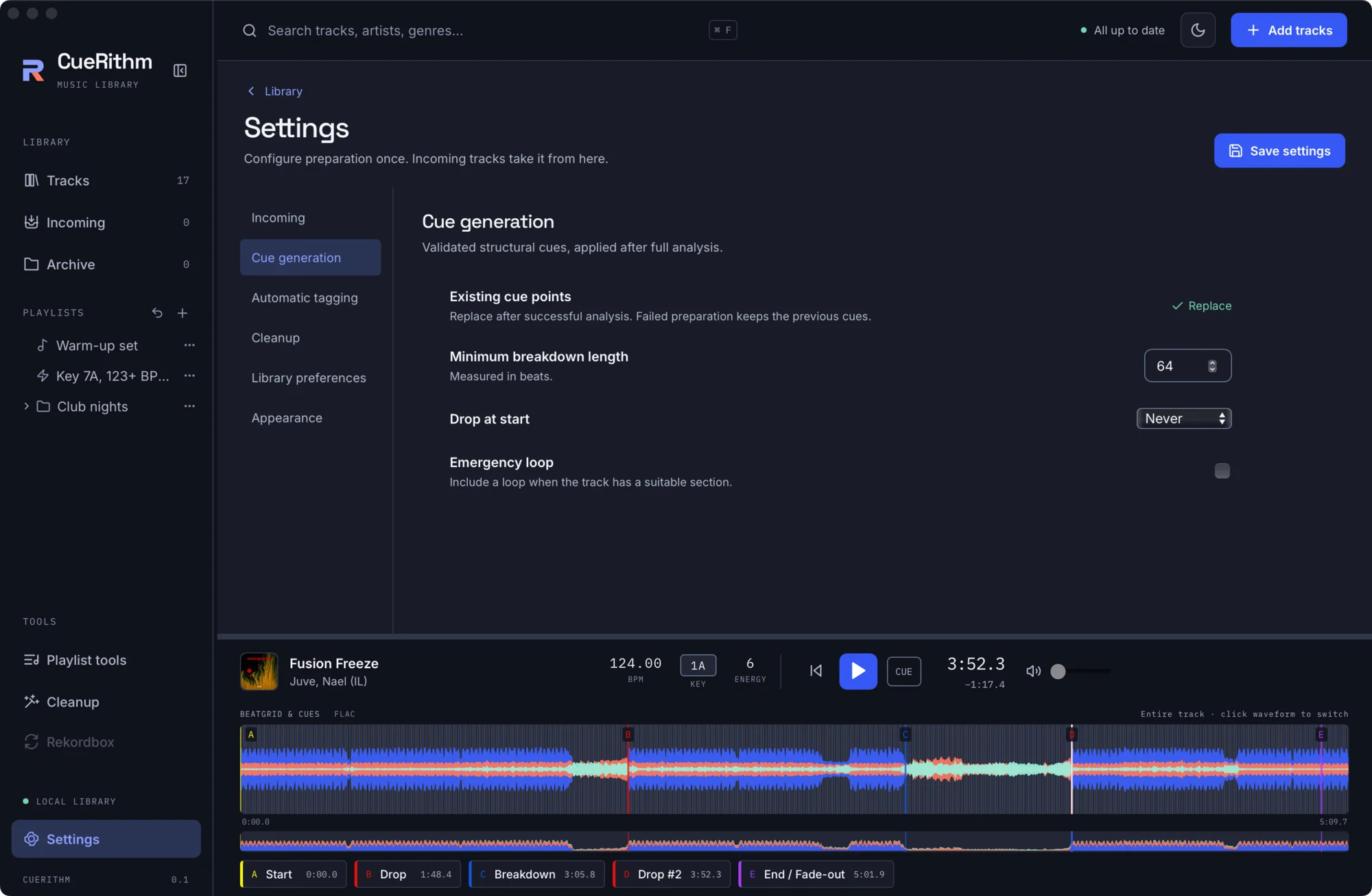
| Control | Default | Meaning |
|---|---|---|
| Existing cue points | Replace | Fixed. Cues are replaced after a successful analysis. A failed preparation keeps the previous cues. |
| Minimum breakdown length | 64 | In beats (1 to 4096). Shorter breakdowns are not used. |
| Drop at start | Never | Never or Automatic. Whether a drop may be placed at the very start of a track. |
| Emergency loop | off | Adds a loop cue (labelled S.O.S.) when the track has a suitable late section. |
Automatic tagging
See Automatic tagging settings.
Cleanup
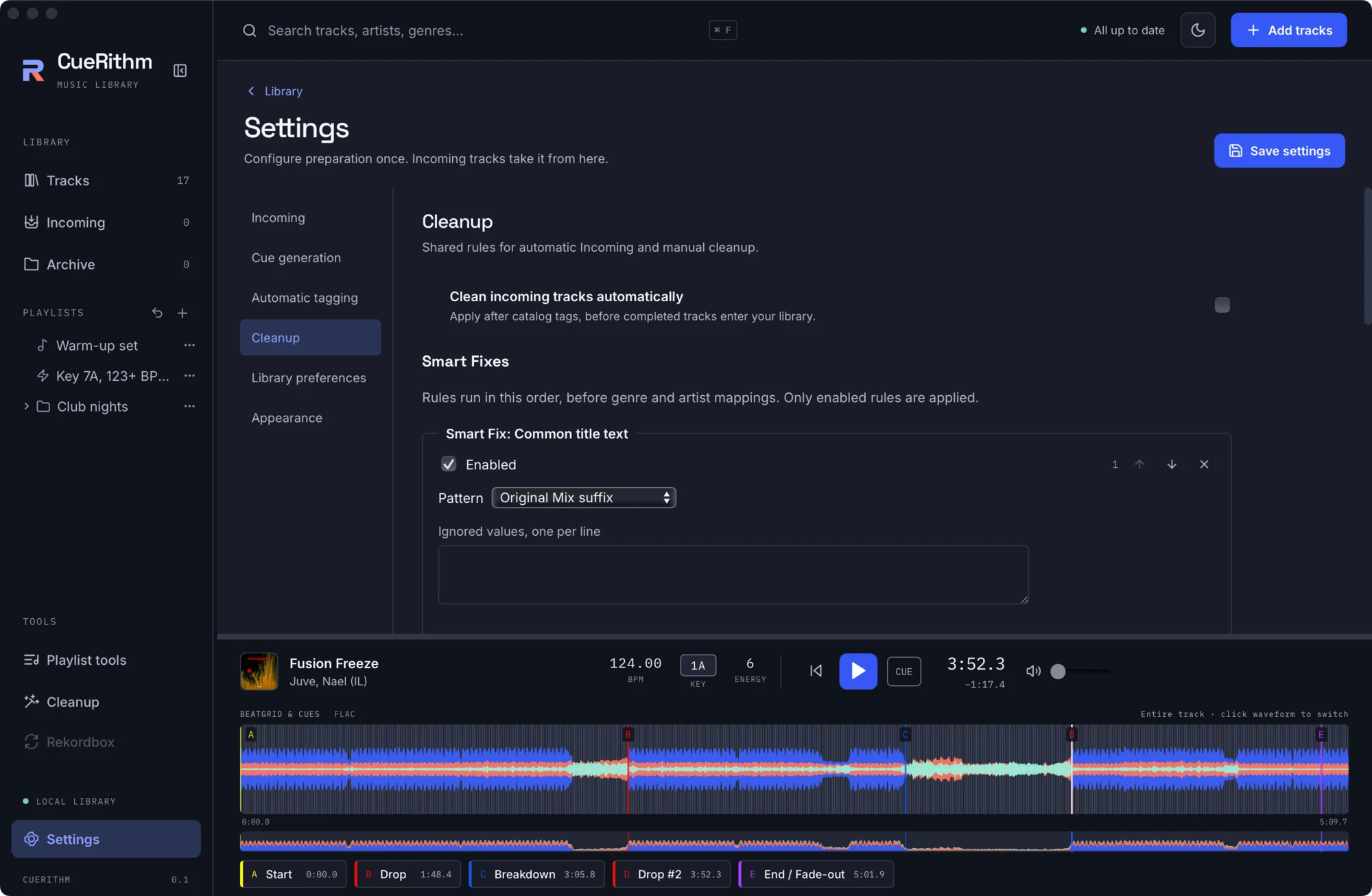
| Control | Default | Meaning |
|---|---|---|
| Clean incoming tracks automatically | off | Apply the saved rules to each new track after tagging and before it enters Tracks. |
| Smart Fixes, Genres, Artists | empty | The same editors as the Cleanup tool. See Cleanup rules. |
Library preferences
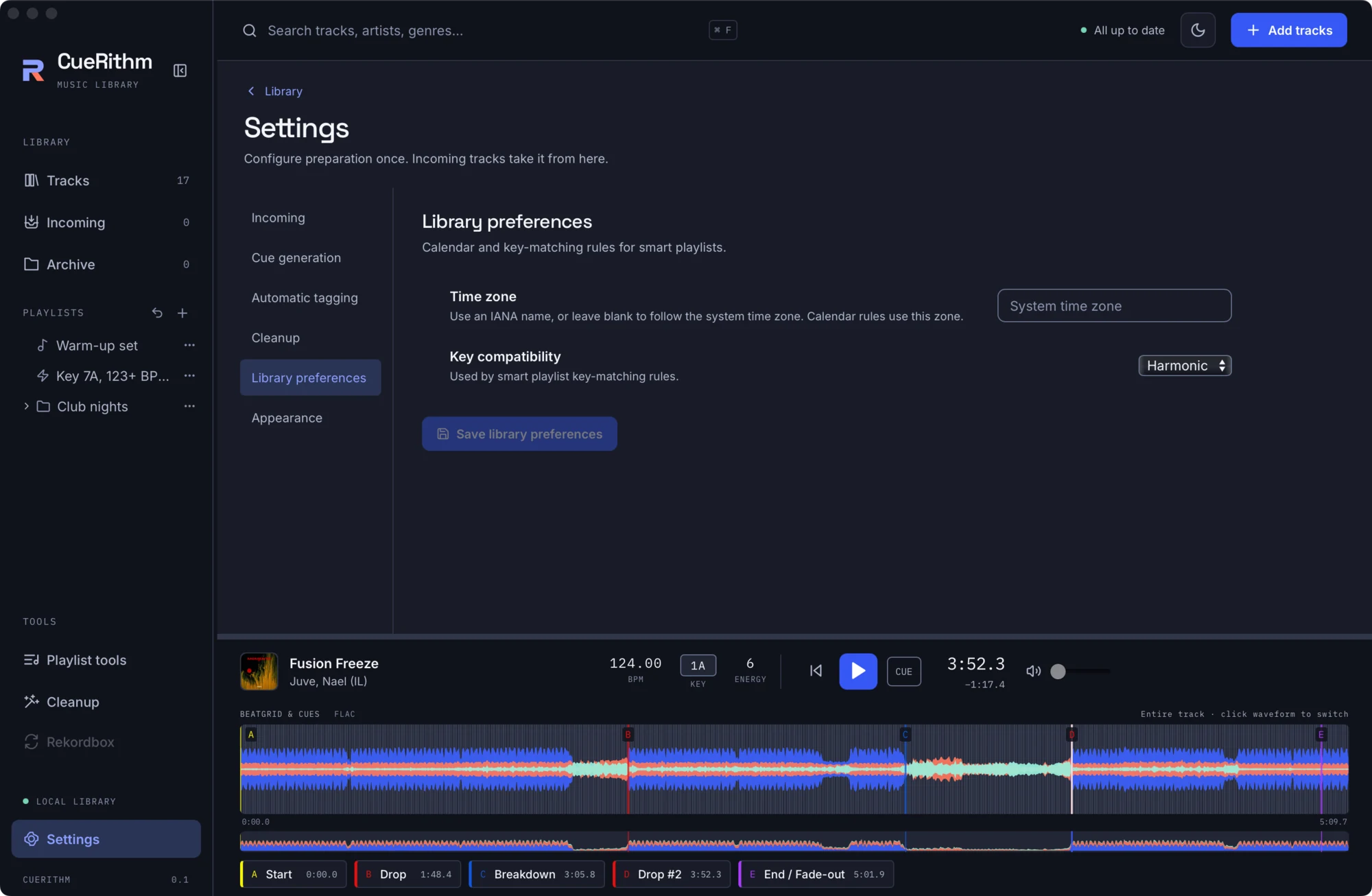
| Control | Default | Meaning |
|---|---|---|
| Library time zone | system | An IANA name such as Europe/Amsterdam. Calendar rules in smart playlists use it. |
| Key compatibility mode | Harmonic | Harmonic or Fuzzy. Used by is compatible with key. Press Save library preferences. |
Smart Playlists
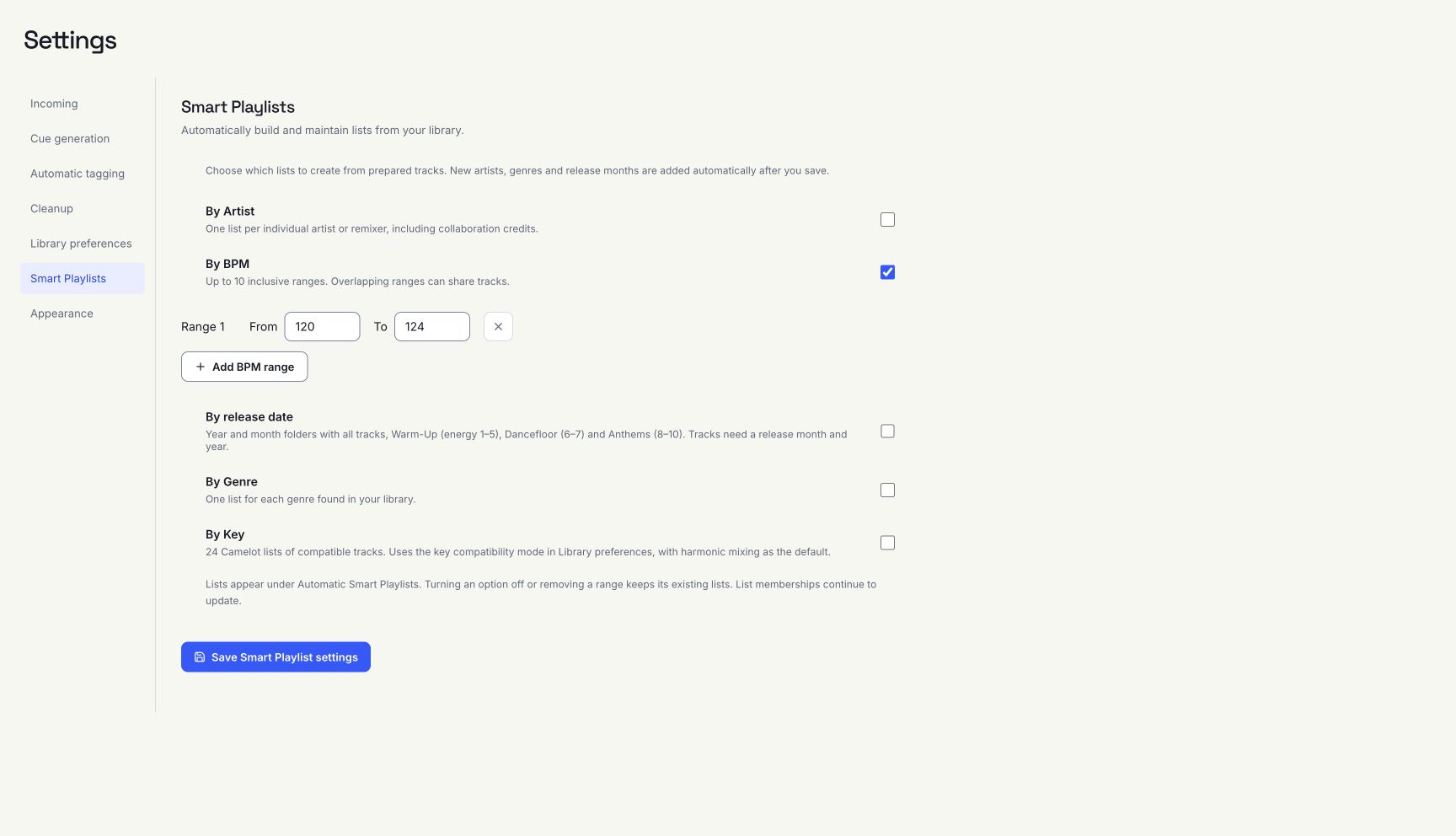
Every automatic option is off in a new or existing library. Choose the categories to create, then press Save Smart Playlist settings. Lists appear under Automatic Smart Playlists. Only prepared, non-archived tracks supply new grouping values.
| Option | Creates |
|---|---|
| By Artist | One list per individual artist or remixer. Commas, semicolons and collaboration markers separate credits. Named remix credits in titles are used when the remixer tag is empty. |
| By BPM | One list for each configured range, up to ten. Both ends are included; overlapping ranges can share tracks. |
| By release date | Year folders containing month folders. Each month has Month, Year, Warm-Up Month, Year (energy 1–5), Dancefloor Month, Year (6–7) and Anthems Month, Year (8–10). The all-tracks list includes tracks without an energy rating. |
| By Genre | One list per individual genre in the library. |
| By Key | All 24 Camelot key lists, including compatible keys according to Library preferences → Key compatibility mode. Harmonic is the default: same key, adjacent numbers with the same letter, and the relative major/minor. |
New tracks and metadata changes expand enabled categories automatically, including new years and months. Release grouping uses explicit release tags (including RELEASE_TIME) before DATE; valid year-month and full dates are supported. A year alone cannot supply a month. Audio and file tags are unchanged.
Turning an option off stops creating lists in that category. Existing lists remain and their memberships stay live. Removing a BPM range also keeps its existing list. Invalid or incomplete range drafts are discarded when saving with BPM generation off. Renamed or moved generated lists retain their identities; deleting one prevents that identity from being recreated automatically. Enabled categories maintain generated list rules. Duplicate a generated list to customize its rules. Manual lists are never adopted just because their names match.
Appearance
Waveform style: six palettes. See Choose a theme and waveform style. The light and dark theme is a separate button in the header.
What is not a setting
There is no model selector, no tempo-range control, no cue template editor and no audio device picker in this release. Playback uses the system default output.