Clean up messy titles
You will: strip the "(Original Mix)" suffix from titles with a Smart Fix, review exactly what would change, apply it, and undo it if you change your mind.
Cleanup never guesses silently. It follows a fixed flow: edit rules, scan, review, apply, undo.
1. Open Cleanup
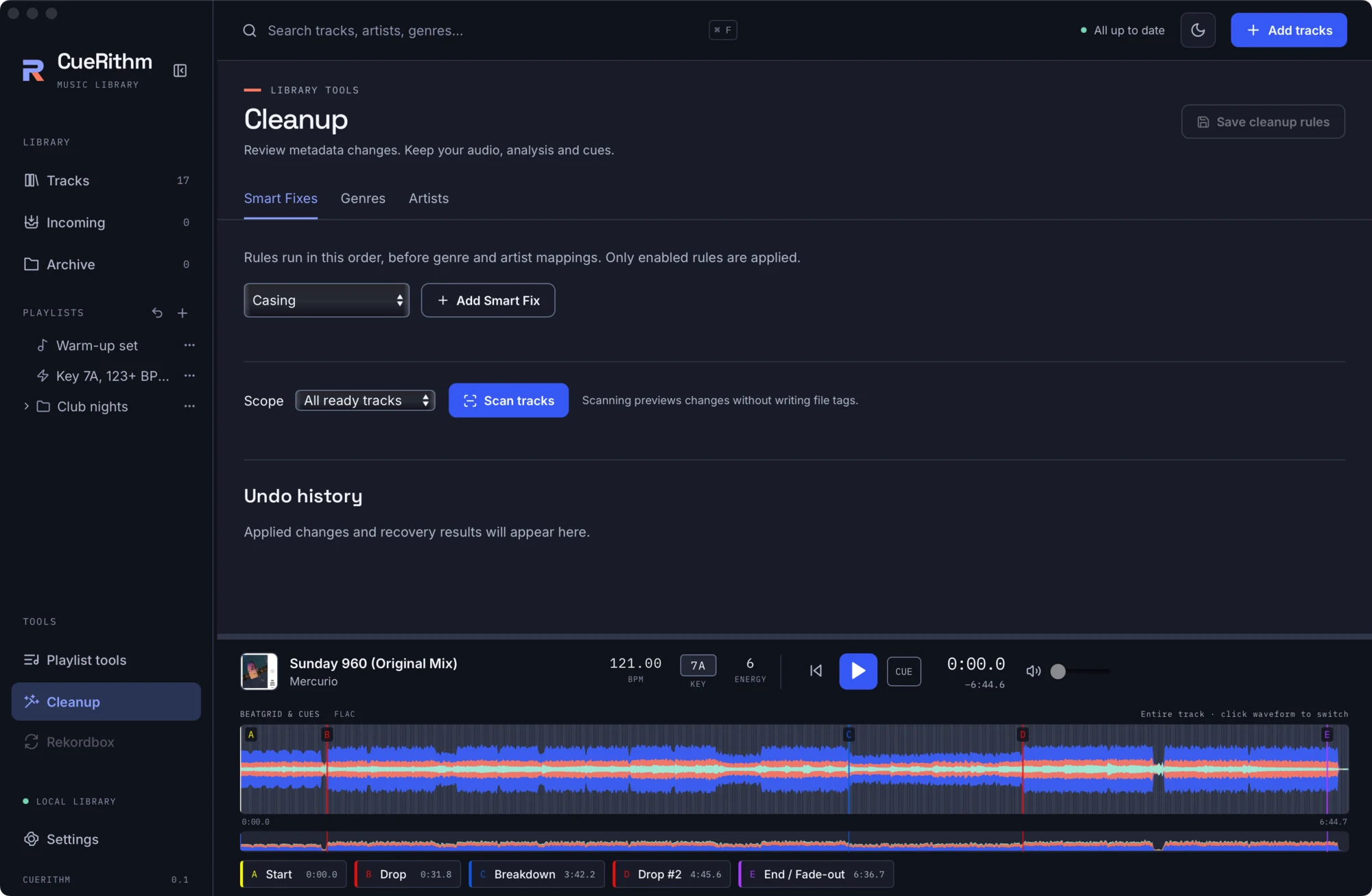
Choose Cleanup under TOOLS in the sidebar. There are three tabs: Smart Fixes, Genres and Artists.
2. Add Smart Fixes
Pick a fix from New Smart Fix and press Add Smart Fix. Add Common title text (its pattern defaults to Original Mix suffix) and Garbage (removes stray punctuation and repeated spaces). Rules run in the order listed, and only enabled rules apply.
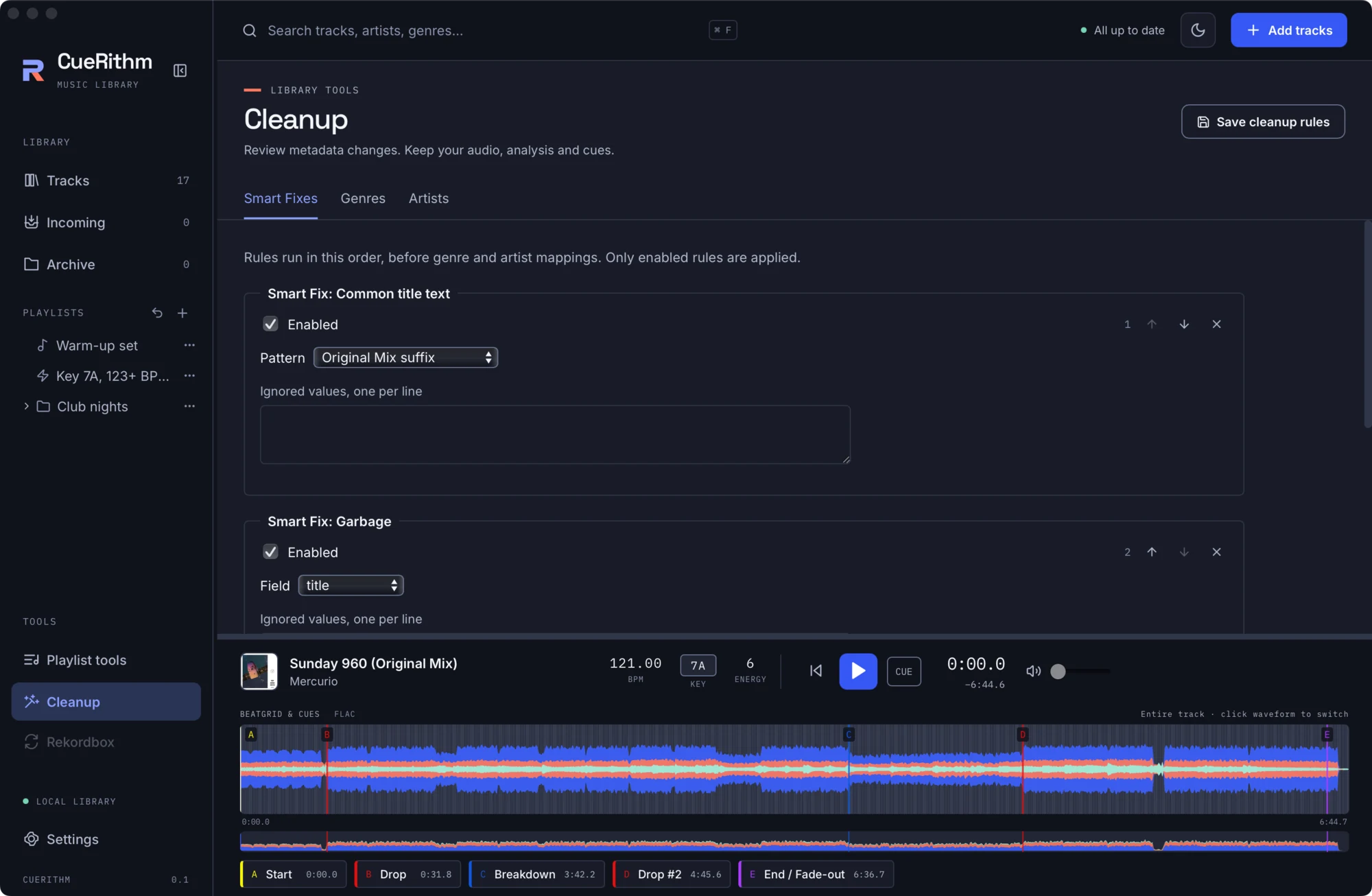
Press Save cleanup rules.
3. Scan
Choose the scope: All ready tracks or just your selection. Press Scan tracks. A scan reads your files and shows a preview. It writes nothing.
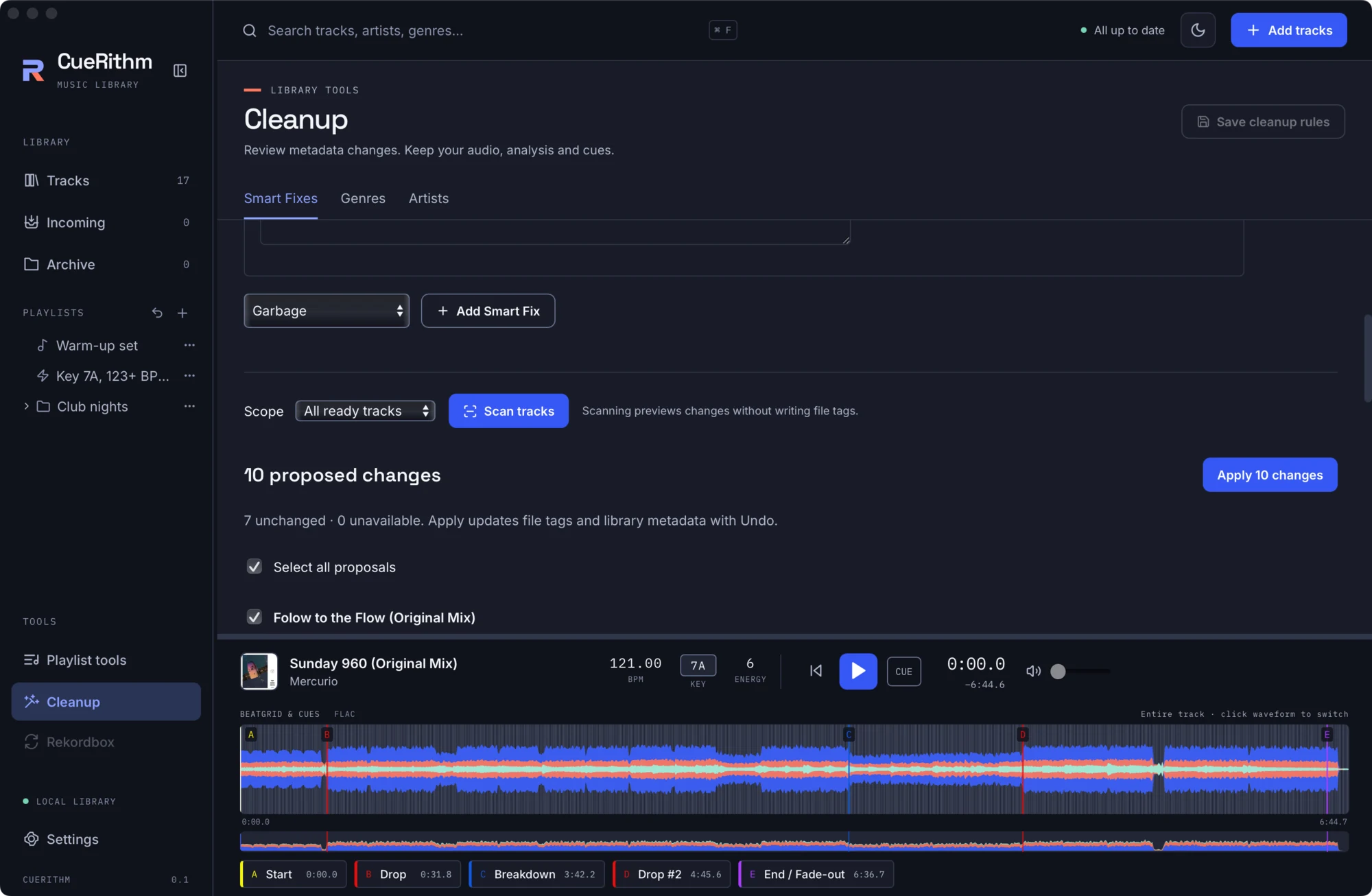
Each proposal shows the before and after of every field it changes. Untick any you do not want. If you edit the rules or the scope, the old preview is discarded.
4. Apply
Press Apply 10 changes. CueRithm writes the file tags and the library metadata together, keeping a durable copy of every original.
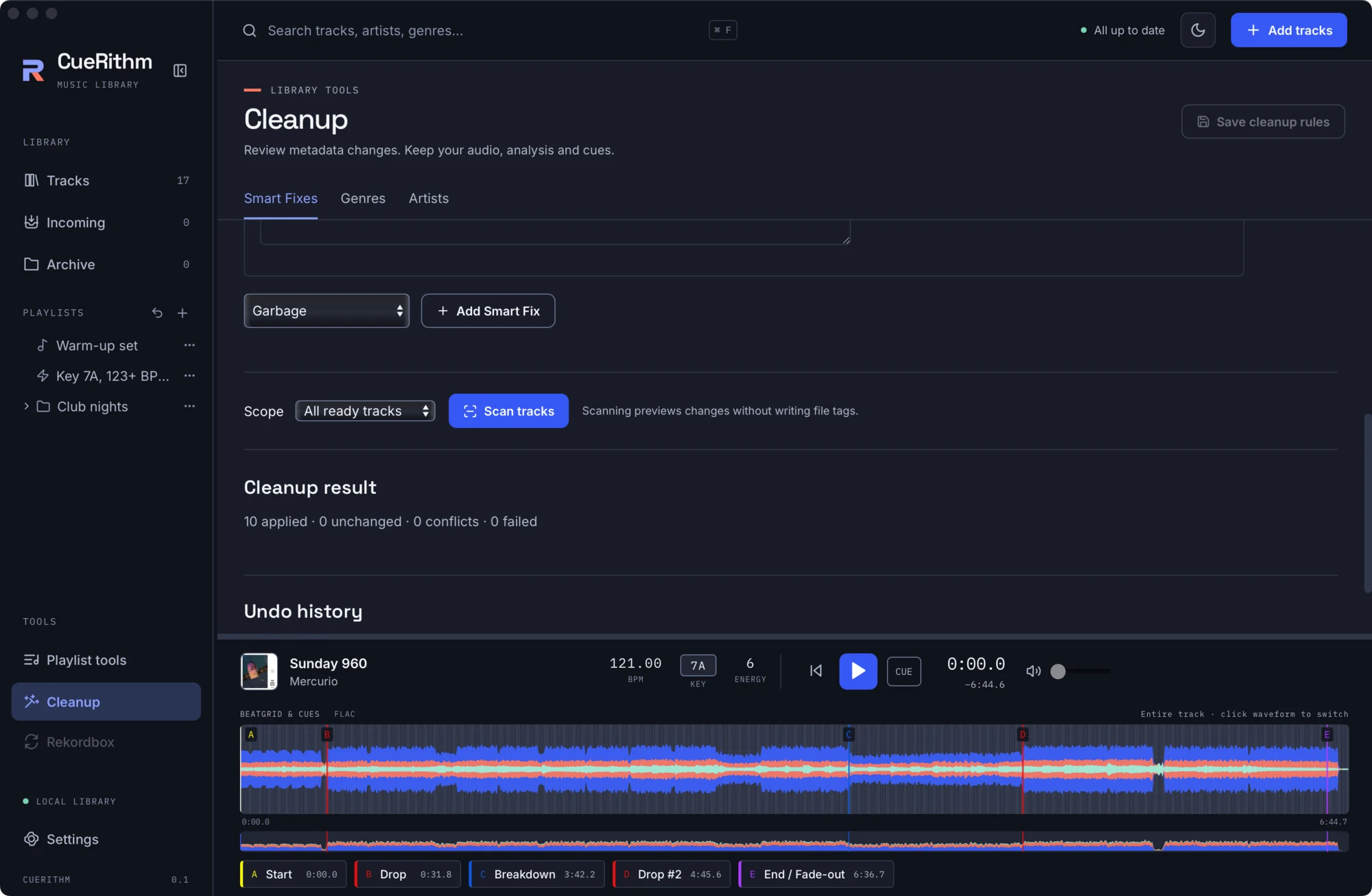
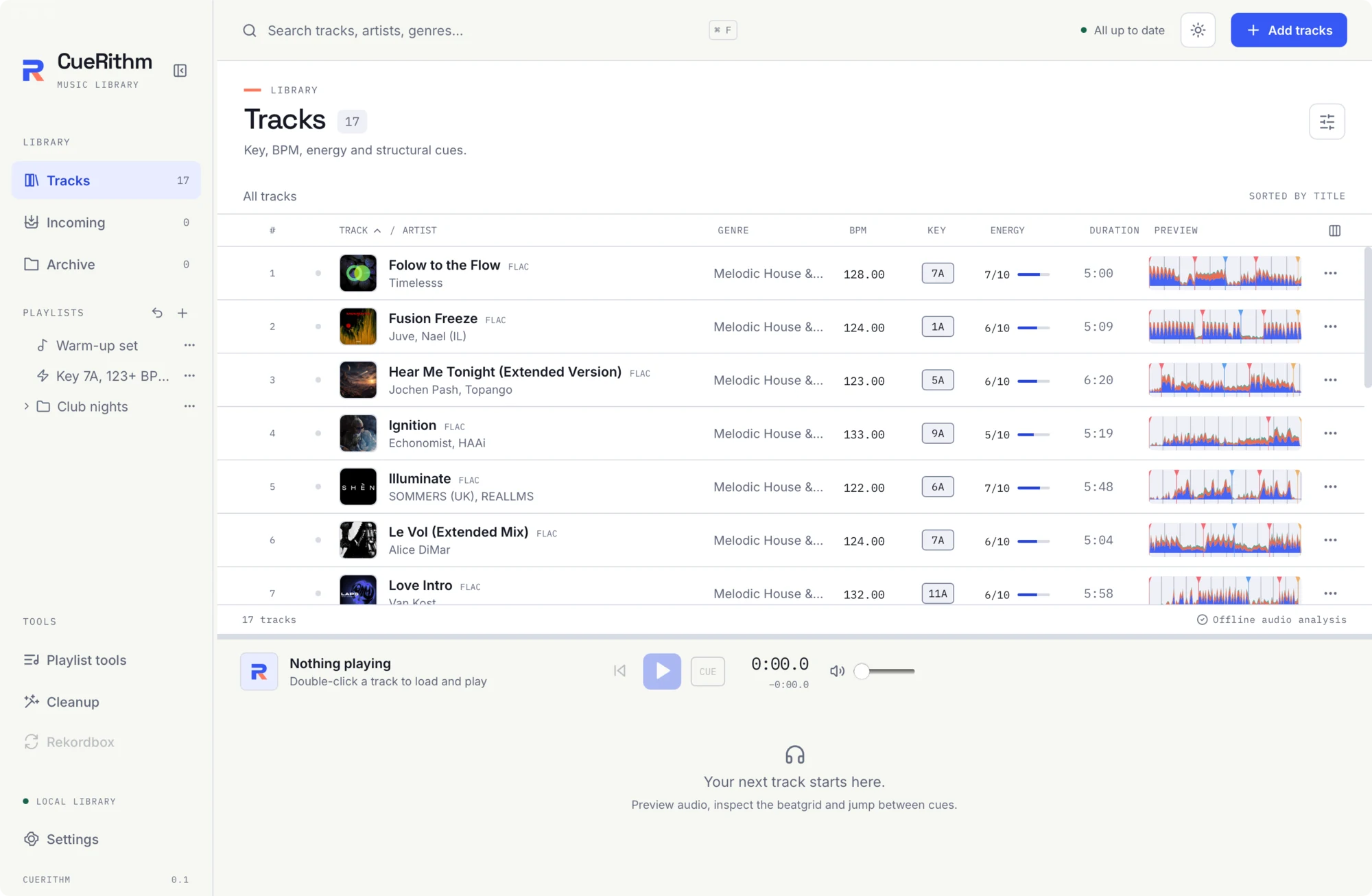
Back in Tracks the titles have changed. Analysis, key, BPM, beatgrid, energy and cues are untouched, because cleanup only edits human-readable metadata.
5. Undo
The Undo history lists each apply with its time and track count. Press Undo to restore the original file bytes and metadata. If a file was edited again after the apply, CueRithm keeps your newer edit and reports it as a conflict instead of overwriting it. Undo history survives a restart.
Make it automatic
In Settings > Cleanup enable Clean incoming tracks automatically. The same rules then run on every new track, after catalog tagging and before the track enters Tracks. Existing tracks are never rewritten by a settings change.
What just happened
Each fix is a fixed algorithm, not a regular expression you write. The engine is a pure function: it takes the current metadata and rules and returns proposed values, and the library service applies them with journaling and rollback. See Cleanup rules and Cleanup engine.