Incoming and Archive
Both are states of a track inside CueRithm's library. Neither is a folder, and neither moves your audio.
Incoming
A track is incoming from the moment it is added until its preparation succeeds. The view's subtitle says it: Automatic preparation. Ready tracks move into your library.
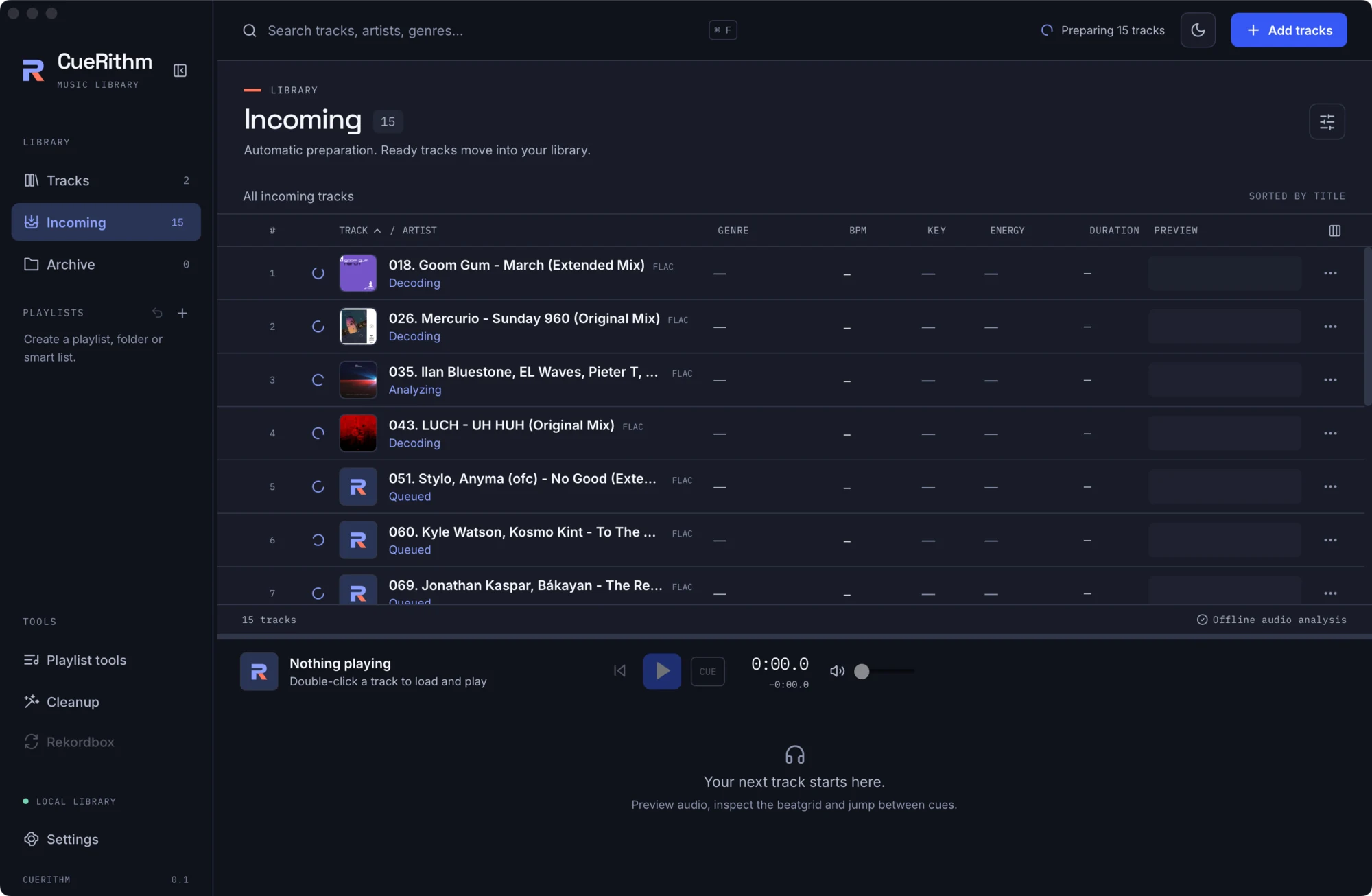
Stages
| Stage label | Meaning |
|---|---|
| Queued | Waiting for a free worker. |
| Waiting for file | The file is still changing. |
| Decoding | The bundled decoder is producing the working copy. |
| Analyzing | Key, tempo, energy and cues. |
| Matching catalog | Looking up Beatport or Traxsource (tagging on). |
| Preparing tags | Building the tag plan (tagging or cleanup on). |
| Writing tags | Staging and publishing tags. |
| Applying cues | Refreshing cues, for example after a genre change. |
When a track needs attention
A failed stage sets the track to Needs attention. It stays in Incoming with the stage and error. The usual causes are an unsupported or protected file, a file longer than about 24 minutes, a disk or permission problem, being offline while tagging is on, or a provider error.
To retry: press the retry icon on the row. Saving Settings also re-queues every track that needs attention, using the new settings.
What "ready" requires
A track becomes ready only when it has a key, a positive BPM with a non-empty beatgrid, an energy from 1 to 10 and at least one cue, all inside the track. Otherwise it stays in Incoming. CueRithm never fills in missing results.
Empty Incoming
Nothing incoming. Drop files here, or add music to a watch folder. Preparation runs automatically.
Archive
Archive (selection toolbar or row menu) takes a track out of Tracks and out of ordinary playlist views without deleting anything. The subtitle reads Archived tracks keep their analysis and cues. Archived tracks stay in the library database, in their playlists' membership and on disk.
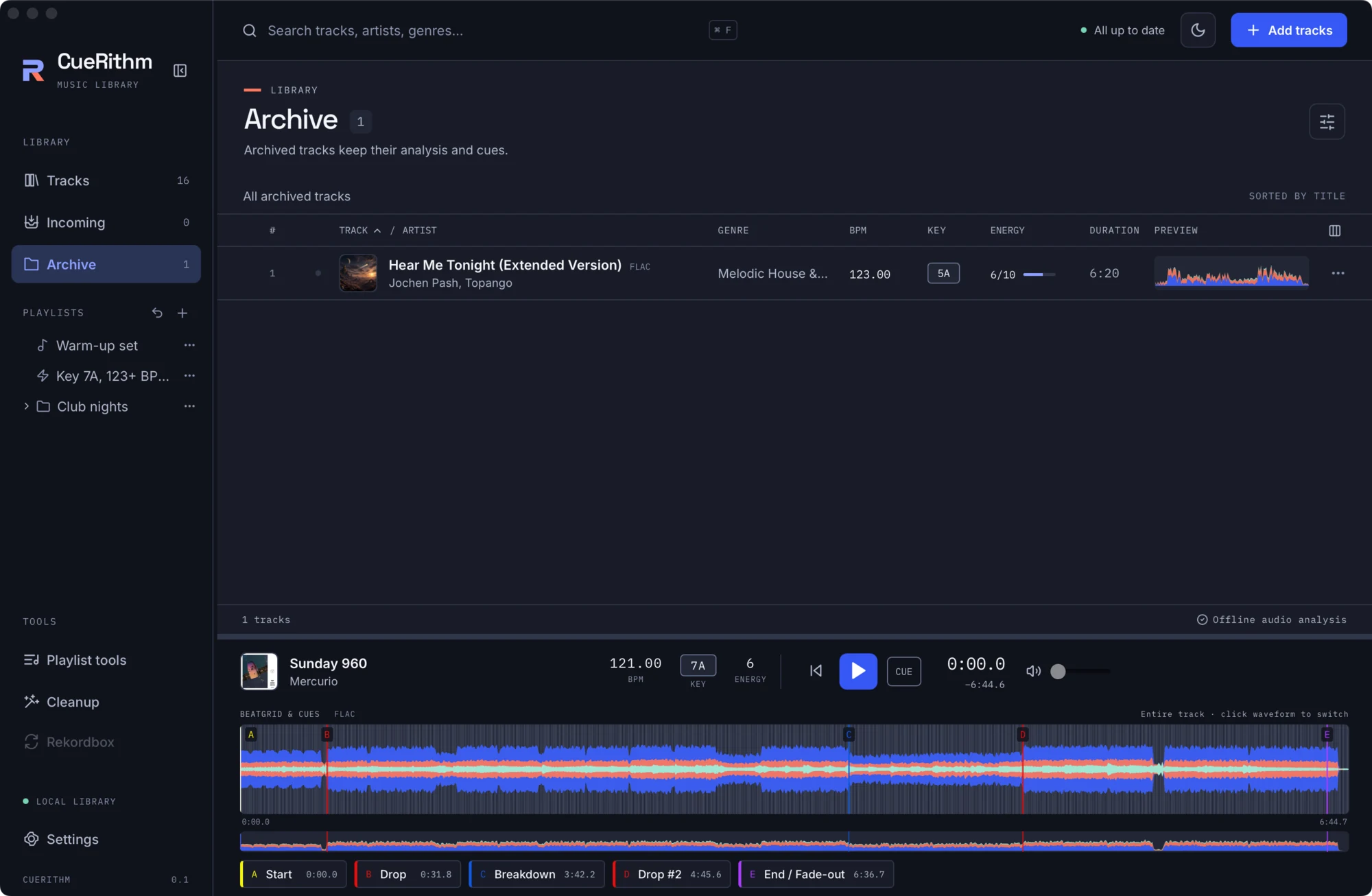
Select a track and press Restore to bring it back. Restoring re-queues it for preparation against your current settings.
Smart playlists include archived tracks only if a rule asks for them with Archived is true, and include incoming tracks only with Incoming is true.